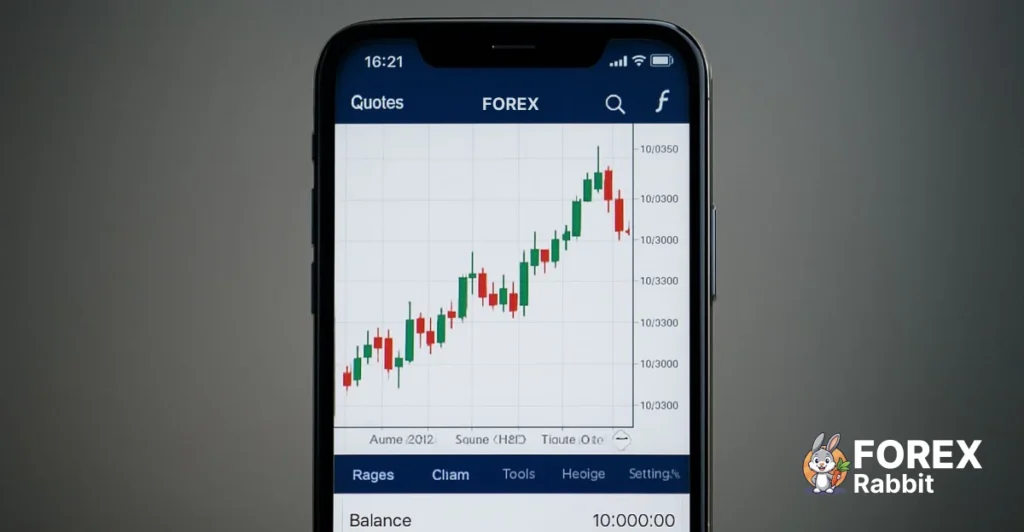
Forex trading has become more accessible than ever, especially with the rise of mobile forex trading apps like MetaTrader 4 (MT4) and MetaTrader 5 (MT5). Today, beginners no longer need expensive desktops or complex setups to trade currencies. With a smartphone and the right strategy, anyone can start trading forex on the go.
In this guide, you’ll learn five proven forex trading strategies for beginners, specifically optimized for mobile trading. We’ll also cover mobile vs desktop trading, the best apps, security tips, and practical advice to help you trade confidently using your phone.
Why Mobile Forex Trading Is Growing So Fast
Mobile forex trading is no longer a backup option—it’s the primary choice for many traders worldwide.
Mobile vs Desktop Forex Trading
Desktop trading offers advanced tools and larger screens, but it comes with limitations:
You must be at your computer
Less flexibility during travel or work
Slower reaction to market changes
Mobile trading, on the other hand, provides:
Instant access to the market anywhere
Real-time price alerts
One-tap trade execution
Full charting and indicator support
For beginners, mobile trading removes many technical barriers and makes learning forex simpler and more intuitive.
Advantages of Trading Forex on Mobile Apps
24/5 market access
Easy trade management
Push notifications for entries and exits
Built-in indicators
Lower learning curve
This is why mobile trading strategies are especially suitable for new traders.
Best Mobile Forex Trading Platforms for Beginners
Choosing the right app is just as important as choosing the right strategy.
MetaTrader 4 (MT4) Mobile App
MT4 remains the most popular forex trading app among beginners.
Key features:
Clean and simple interface
Dozens of built-in indicators
One-click trading
Stable performance on low-end devices
Support for Expert Advisors (EAs)
MT4 is ideal for traders who want simplicity and reliability.
MetaTrader 5 (MT5) Mobile App
MT5 is the newer version with advanced capabilities.
Key features:
More timeframes
Improved charting tools
Faster order execution
Better support for advanced indicators
MT5 is suitable for beginners who plan to grow into more advanced trading.
MT4 vs MT5: Which Is Better for Beginners?
| Feature | MT4 | MT5 |
|---|---|---|
| Ease of use | ⭐⭐⭐⭐⭐ | ⭐⭐⭐⭐ |
| Indicators | ⭐⭐⭐⭐ | ⭐⭐⭐⭐⭐ |
| Mobile stability | ⭐⭐⭐⭐⭐ | ⭐⭐⭐⭐ |
| Beginner friendly | Yes | Yes |
Recommendation: Start with MT4, then move to MT5 as your skills improve.
5 Proven Forex Trading Strategies for Beginners
These strategies are simple, effective, and work well on mobile trading apps.
1. Trend Following Strategy (Best for Beginners)
Trend following is one of the safest and most popular forex trading strategies.
How it works:
You trade in the direction of the market trend instead of predicting reversals.
Indicators to use on mobile:
Moving Average (MA)
Exponential Moving Average (EMA)
Mobile trading setup:
Timeframe: H1 or H4
Buy when price stays above the moving average
Sell when price stays below the moving average
Why it’s beginner-friendly:
Simple rules
Fewer false signals
Easy to identify trends on mobile charts
2. Support and Resistance Strategy
Support and resistance levels show where price often reverses or pauses.
How it works:
Buy near support
Sell near resistance
Mobile execution tips:
Use horizontal lines on MT4/MT5
Zoom out for clearer levels
Combine with RSI for confirmation
Best timeframes:
M30, H1, H4
This strategy helps beginners understand market structure without complex indicators.
3. Breakout Trading Strategy
Breakout trading focuses on strong price movements after consolidation.
How it works:
Identify a tight price range
Enter when price breaks above or below the range
Ride the momentum
Mobile trading advantage:
Price alerts notify you instantly
Easy entry execution
Best tools:
Bollinger Bands
Support and resistance zones
Breakout strategies are perfect for traders who can’t monitor charts constantly.
4. Scalping Strategy (Low Timeframes)
Scalping involves making small profits from quick trades.
Important note:
Scalping requires discipline and fast execution.
Mobile scalping setup:
Timeframes: M1 or M5
Indicators: EMA + RSI
Tight stop loss and take profit
Pros:
Frequent trading opportunities
Short exposure to market risk
Cons:
Requires focus
Higher stress for beginners
If you scalp on mobile, keep sessions short and controlled.
5. Indicator-Based Strategy (Automated Signals)
Indicator-based strategies rely on technical signals rather than manual analysis.
Common indicators:
RSI
MACD
Stochastic Oscillator
Why this works on mobile:
Clear buy/sell signals
Less chart analysis
Easy automation using Expert Advisors
Many beginners use MT4 indicators or Expert Advisors (EAs) to reduce emotional trading and improve consistency.
Mobile Forex Trading Strategy Considerations
Before applying any strategy, beginners must understand risk management.
Risk Management for Beginners
Never risk more than 1–2% of your account per trade.
Key rules:
Always use stop loss
Set realistic take profit levels
Avoid overtrading
Mobile apps make risk management easy with built-in tools.
Stop Loss and Take Profit on Mobile
On MT4 and MT5 mobile:
Set stop loss before confirming the trade
Adjust levels by dragging lines on the chart
Use fixed risk-reward ratios (1:2 recommended)
Security Best Practices for Mobile Forex Trading
Security is crucial when trading on mobile devices.
Protecting Your Trading Account
Use strong passwords
Enable two-factor authentication (2FA)
Lock your phone with biometrics
Avoid public Wi-Fi
Avoiding Scam Trading Apps
Download apps only from official app stores
Trade with regulated brokers
Avoid “guaranteed profit” promises
Your trading security is just as important as your strategy.
Trading on the Go: Pro Mobile Forex Tips
Mobile trading requires a different mindset.
Notification Setup for MT4 and MT5
Enable:
Price alerts
Trade execution alerts
Margin level notifications
These alerts help you react without staring at charts all day.
Mobile Optimization Tips
Use dark mode to reduce eye strain
Trade fewer pairs for better focus
Stick to higher timeframes if busy
Close unused apps to reduce lag
Recommended Tools for Beginner Forex Traders
To improve results, many beginners use professional tools.
Forex Indicators
Indicators simplify analysis and reduce guesswork. You can explore:
These tools help identify trends, reversals, and trade entries.
Expert Advisors (EAs)
EAs automate strategies and remove emotions from trading. Beginner-friendly EAs are ideal for:
Trend trading
Scalping
Signal-based strategies
Always test new tools on a demo account before using real money.
Frequently Asked Questions
What is the best forex trading strategy for beginners?
Trend following and support & resistance strategies are the best due to their simplicity and reliability.
Can beginners trade forex using mobile apps?
Yes. MT4 and MT5 mobile apps provide all essential tools needed for beginner forex trading.
Is mobile forex trading safe?
Mobile trading is safe when using secure apps, regulated brokers, and proper account protection.
Which indicators are best for beginner forex traders?
Moving Averages, RSI, and MACD are beginner-friendly and widely used.
Final Thoughts
Forex trading doesn’t need to be complicated—especially for beginners. With mobile trading apps, simple strategies, and proper risk management, anyone can start trading confidently.
Focus on:
One or two strategies
Strong discipline
Continuous learning
Safe mobile trading practices
As your experience grows, you can explore advanced indicators, Expert Advisors, and automated systems to improve consistency.
📌 Pro tip: Start small, trade smart, and always prioritize risk management.